How to Shoot a Professional Self-Tape on Your Phone
Practical steps for lighting, framing, sound, performance and submitting a clear self-tape using your phone.
6 min read · about 2 min listen
Audio reading is not supported by this browser.
You do not need a cinema camera to make a strong self-tape. In many cases, a modern phone, clean light, clear audio and stable framing are enough for your performance to be evaluated properly.
1. Choose a quiet place
Use a simple background and avoid distracting spaces, noise and interruptions.
2. Stabilize the phone
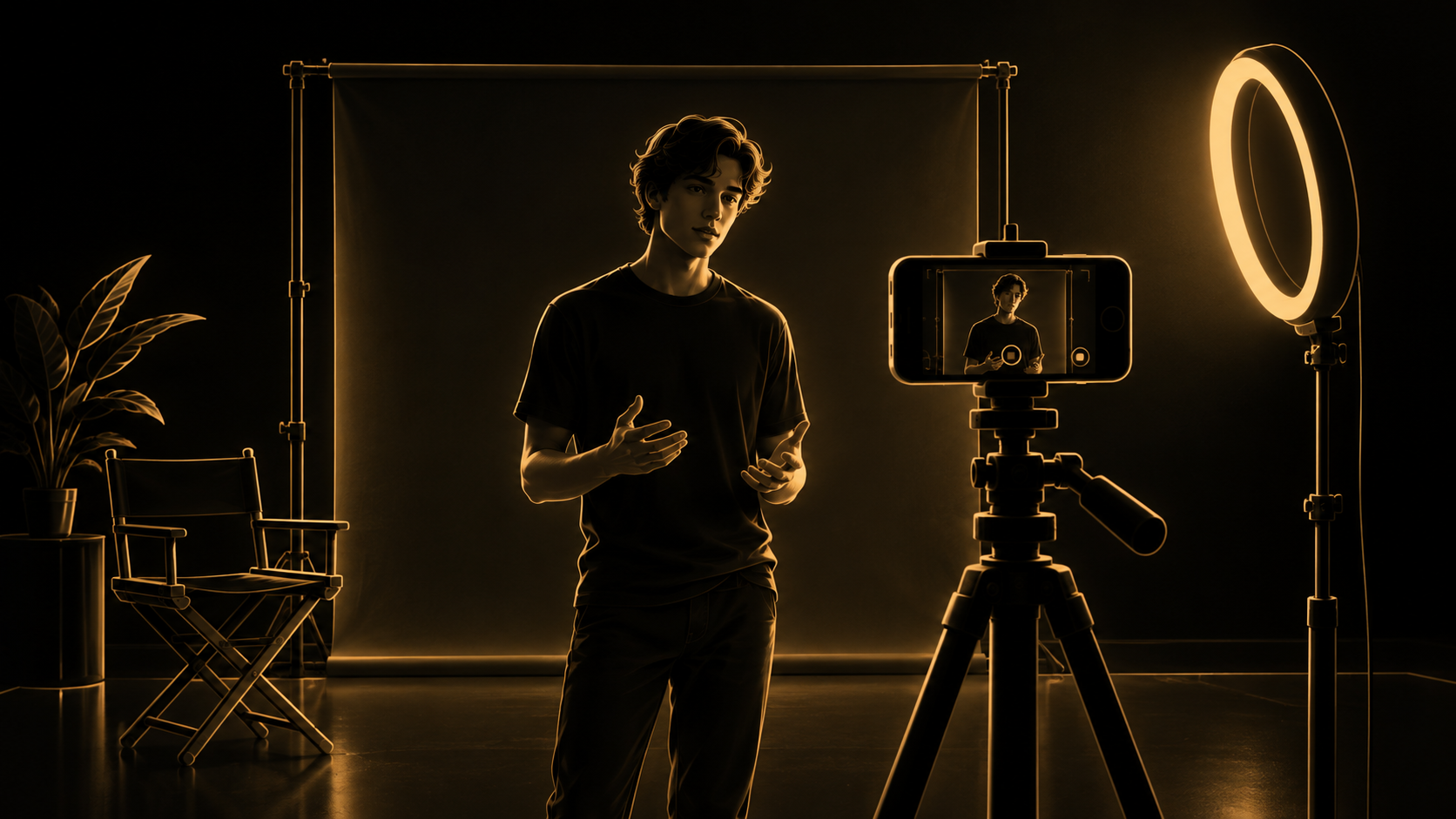
Use a tripod or stable surface. Keep the lens around eye level and make sure the frame is straight.
3. Set the frame
Unless the brief asks for something else, use a frame that clearly shows your face and upper body. Leave a little headroom and avoid extreme close-ups.
4. Light your face
Place the main light in front of you or slightly to one side. Avoid a bright window behind you. Soft window light is often better than harsh ceiling light.
5. Check the sound
Record a short test. Move if air-conditioning, traffic or room echo is too loud. Avoid music or effects unless requested.
6. Focus on performance, not editing
You do not need transitions, filters or cinematic effects. Follow the instructions, perform the scene and label multiple takes clearly if required.
Before sending
Confirm the clip is complete, image is clear, audio is understandable, and the file or link works.
The simpler and cleaner the self-tape, the easier it is for a casting team to focus on your performance.